Product Changelog – June 2026

This month's update brings a ton of helpful updates. Coreloops now automatically catches and corrects rounding mismatches, reads payment certificates for you, and suggests column mappings when you import payment applications. We've also added support for working across multiple currencies, plus fixes across timesheets, cost reports and Xero sync.
Configure your own overtime rules
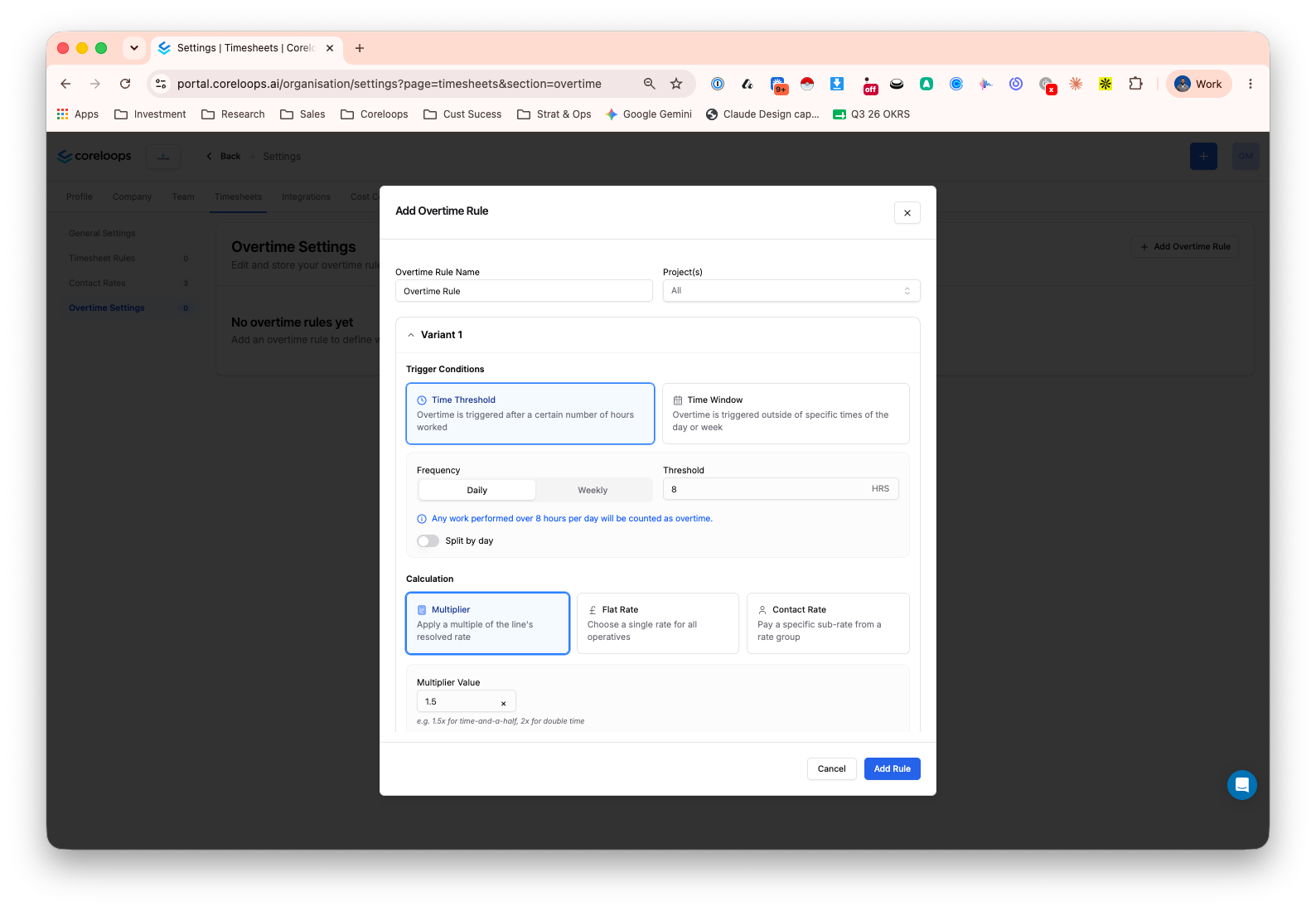
You can now set up overtime rules for timesheets instead of calculating them by hand. Decide when overtime kicks in, either after a set number of hours in a day or week, or outside specific hours or days, and choose how it's paid: a multiplier on the standard rate, a flat rate, or a worker's own agreed overtime rate. Rules can apply per project or be tailored to individual contacts, with contact-level rules taking priority. Overtime shows up as its own clearly labelled line on the timesheet, so it's easy to check before approving. You'll find it in Timesheets in the settings area.
Multi-currency support (fixed rates)
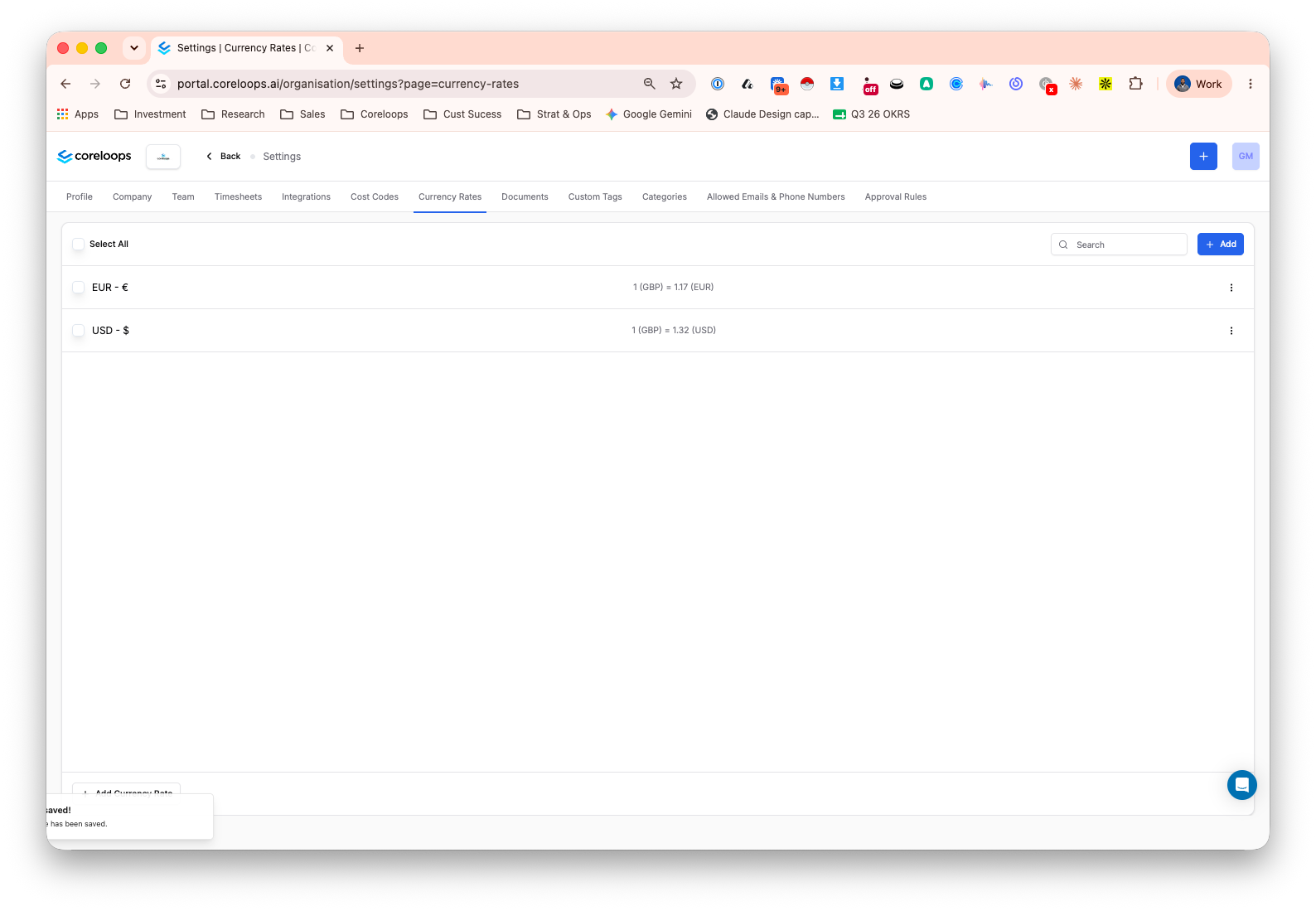
If you work across more than one currency, you can now set a default currency for your account and fixed exchange rates in Workspace Settings, and Coreloops will show both the original and converted amount on your invoices, bills, payment applications, variations and BOQ line items. Every converted figure carries a clear "fixed rate estimate" label, and dashboards show a note explaining when the rates were last updated, so everyone knows exactly what they're looking at.
Saved views for timesheets
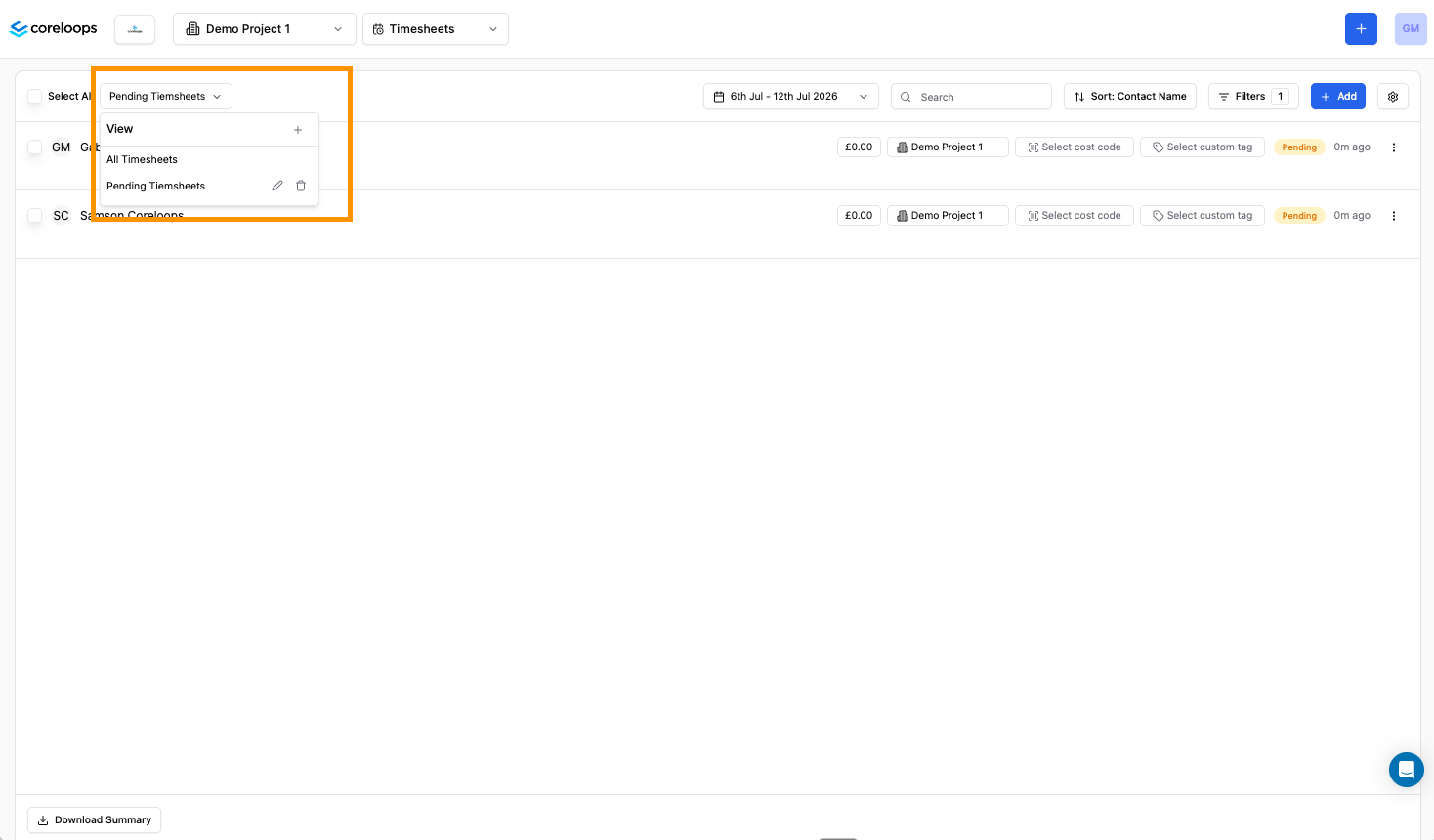
You can now save your favourite timesheet filters as a view, just like you already can with Reports. Set up your usual combination of worker, project, date range and status once, give it a name, and switch back to it any time from the dropdown above the timesheets table.
Choose which document statuses appear in a report view
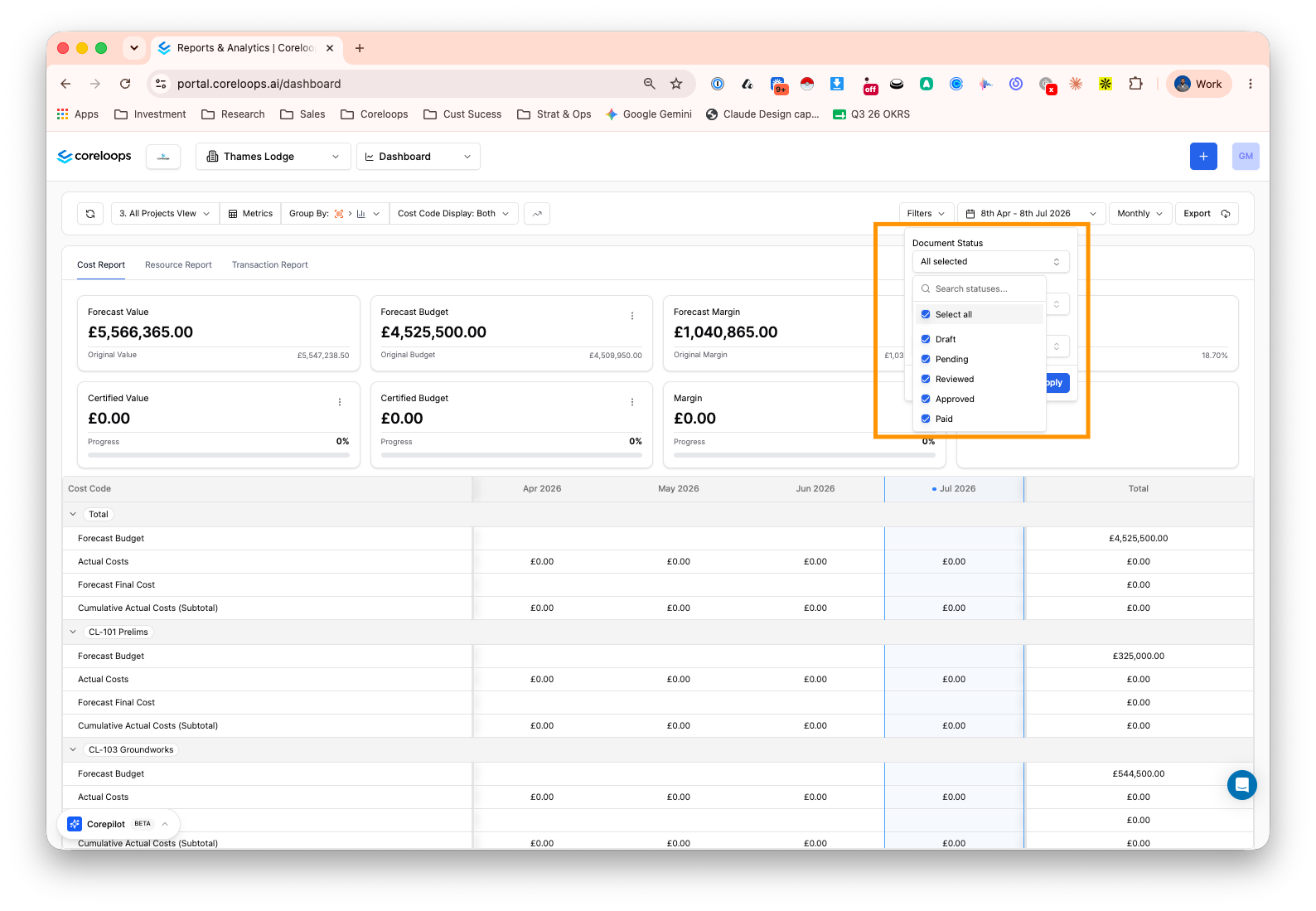
Report views used to show approved documents only. You can now choose which statuses appear in a view, such as Draft, Pending, Reviewed or Approved, so you can build reports that include work still moving through approval, not just what's signed off. Set it once and it's saved with the view.
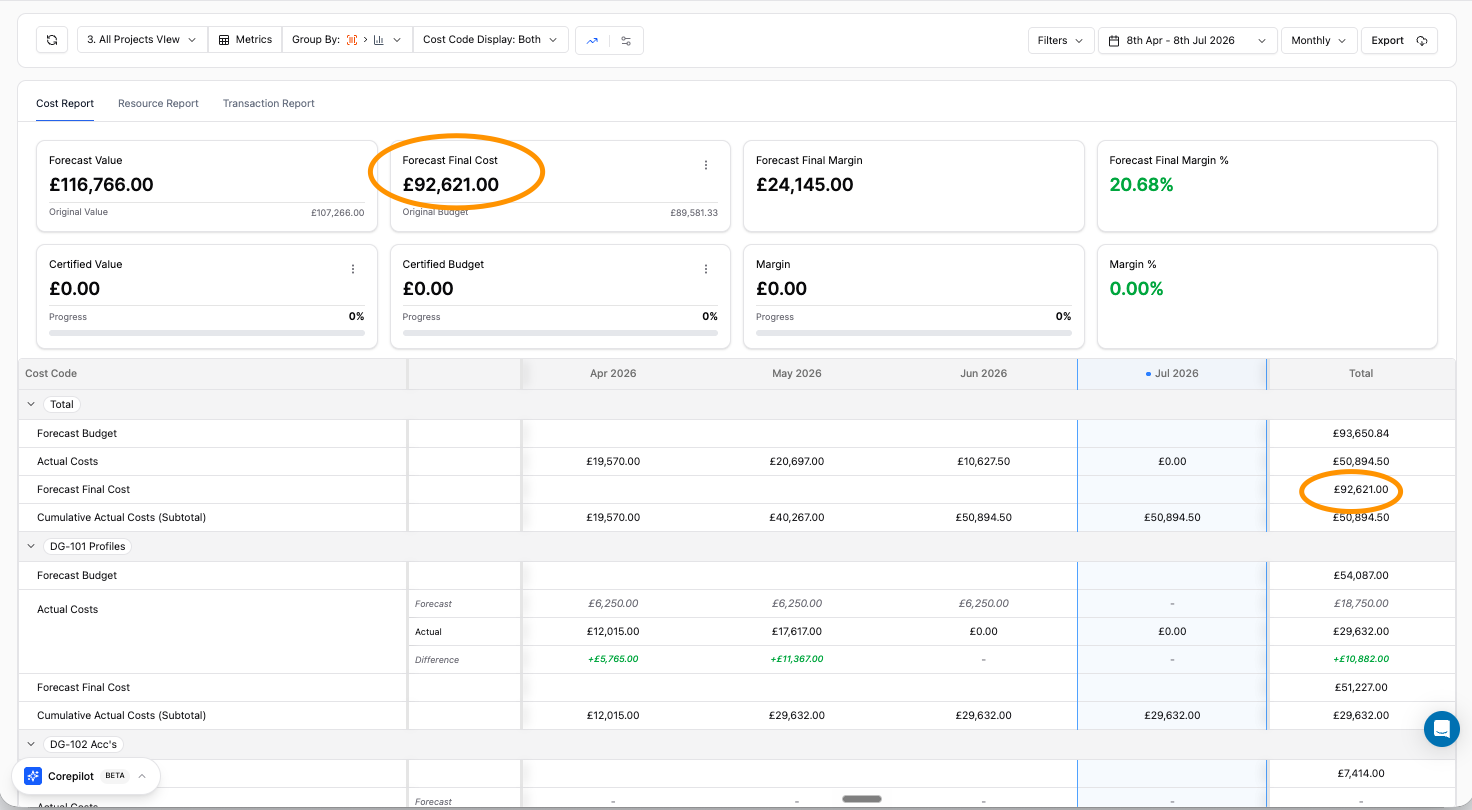
Forecast final cost by cost code
The cost report now lets you see forecast final cost broken down by cost code, not just as a project-wide total. It's calculated the same way as your other cost totals, so you can spot which cost codes are carrying the most exposure at a glance.
Purchase order delivery address auto-fill
Purchase orders now pre-fill the delivery address with the project's site address, so you don't have to retype it every time. You can still edit it per PO if a delivery needs to go somewhere else, useful if you're working across several sites at once.
Upload and read payment certificates
You can now upload payment certificates you've received from a client and ones you've issued to a subcontractor, and Coreloops will read the document and pull out the key figures: certificate number, dates, gross valuation, deductions and net sum due. Review and correct anything before saving, and find both certificate types together in one place, filterable by type.
Automatic rounding correction for line items
Coreloops now checks that a document's line items add up to its stated total, and if they're off by a rounding difference, it identifies the rounding pattern the supplier used and adjusts the figures so everything reconciles, without you having to step in. If it can't resolve a mismatch with confidence, the document is held for manual review, and the line items are highlighted for your review. It runs automatically as part of the processing, so fewer documents get stuck due to rounding errors before approval.
Flagging mismatched line item totals before Xero sync
When Coreloops AI processes an invoice, it now checks that the line items add up to the invoice total and flags it clearly if they don't, both on the document and on the affected lines. You can still go ahead and sync if you're happy with it, but you'll see the warning before anything gets sent to Xero rather than after a sync fails.
Manually override and flag tax amounts
If Coreloops can't automatically resolve a tax amount on a document, you can now type in the correct figure yourself, and it'll be used when the document syncs to Xero. Where the extracted tax amount doesn't match what's expected, the field is highlighted in yellow so it's easy to spot before you approve or sync.
Pick a directory contact for PO delivery phone numbers
When you're filling in delivery details on a purchase order, you can now pick a contact from your directory to auto-fill the delivery phone number, with contacts linked to that supplier shown first. One less field to type out by hand, and less risk of the wrong number ending up on site paperwork.
Bugs fixed/ Small Improvements
Sync button now shows a loading state while a document syncs, making it clearer that the document is syncing.
Several Xero Sync improvements
Sync now checks for a newer Xero status before syncing, avoiding failed syncs when a document was already actioned in Xero
Fixed small rounding discrepancies in tax amounts sent to Xero
Payment terms, VAT and CIS details now sync fully to Xero contacts
Fixed voided documents not displaying correctly in Coreloops
Timesheet improvements
Selecting a project for one day on a timesheet no longer applies that selection to every day
Adding a new project to a timesheet now correctly filters rates and carries over allowed cost codes
Submitted timesheets can no longer be edited by the operative after submission
Overtime hours are now correctly included in the timesheet total after a rate structure change
General updates
Fixed an oversized logo on mobile that broke the sidebar navigation
Document Updates
Bulk selection on document line items now clears automatically once an action completes
Changing a document's currency now saves properly and updates the line item display
BOQ Updates
Bulk tag assignment on BOQ line items now works as expected, and tags can be cleared at section level